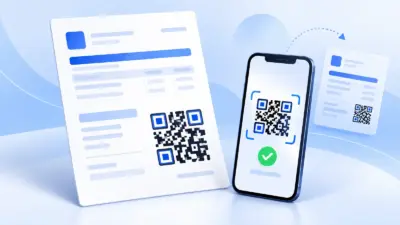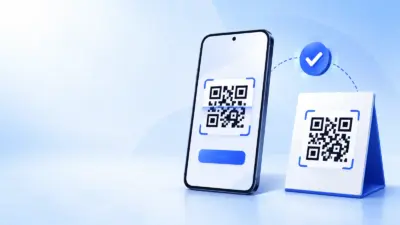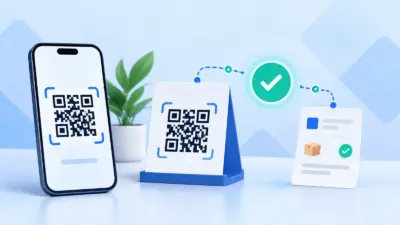
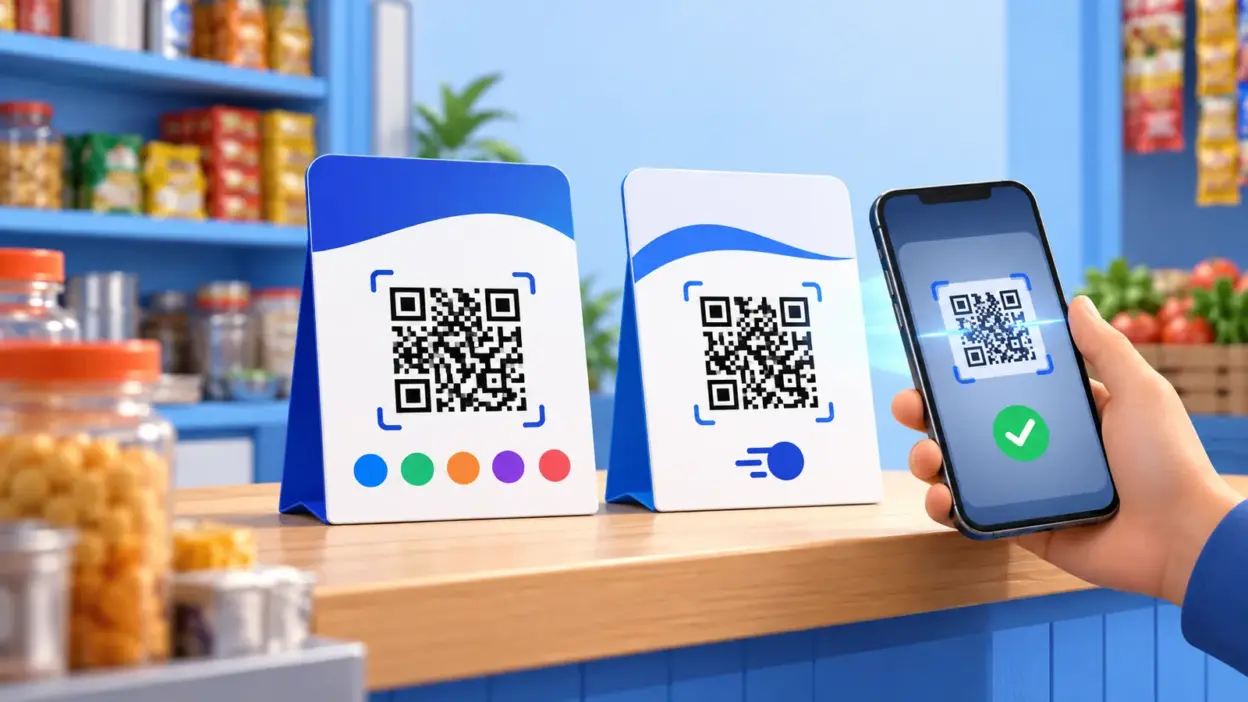
A bharat qr sample looks similar to a UPI QR, but the two codes serve different payment networks and merchant setups. Bharat QR was designed for interoperable card and UPI acceptance, while a UPI QR is built around the Unified Payments Interface and a merchant UPI ID. For most small Indian businesses whose customers pay from UPI apps, a correctly generated UPI QR is the simpler starting point.
What Bharat QR is
Bharat QR is an interoperable merchant QR standard. NPCI’s Bharat QR product overview describes the standard in the context of merchant acceptance, and later specifications incorporated UPI credentials into the Bharat QR standard. That combination is the important distinction: the code is intended to route a merchant payment through the payment method supported by the payer and the merchant’s acquiring arrangement.
The code is normally issued as part of a merchant acceptance setup through a bank or acquiring institution. It is not simply a picture that any merchant can create by typing a UPI ID into a general QR generator. The payload and the acceptance rails are tied to the provider that onboarded the merchant.
A Bharat QR sticker or standee may show several acceptance marks, but do not identify the QR from appearance alone. Providers can use different printed designs, and a logo on a sticker is not proof that a payment will work with every app or card. The reliable test is the payment screen after scanning: check the displayed merchant name, payment method and amount before confirming.
Historically, Bharat QR was created to reduce the need for separate merchant codes for different card networks. NPCI’s 2017 announcement describes the joint development of BharatQR, while its later circular explains the addition of UPI credentials. The standards and acceptance arrangements can change, so a merchant should confirm the current capabilities with the bank or acquirer that issued the code.
What a UPI QR is
A UPI QR is a QR-based way to start a UPI payment to a merchant’s UPI ID. The QR can contain merchant information such as the UPI ID and, where applicable, an amount. After scanning, the payer’s UPI app shows the payee details and asks the payer to authorise the transaction with the app’s normal payment authentication. NPCI explains these details in its UPI merchant FAQ.
UPI is not the name of one consumer app. It is the underlying payment system used by participating bank and third-party apps. NPCI lists QR as one UPI merchant integration mode alongside intent, app-based and collect modes. This is why a UPI QR can generally be scanned from a range of UPI-enabled apps, subject to the merchant account and the app’s current support.
There are two practical forms of UPI QR:
- Static UPI QR: the same printed code is used repeatedly. The customer enters the amount after scanning, or the merchant tells the customer what to pay.
- Dynamic UPI QR: a new code is created for a particular bill or order, often with the amount and an order reference attached to the payment flow.
The words “UPI QR” therefore describe the payment rail, not necessarily whether the code is printed or generated for each order. A shop counter may use a static QR, whereas an online order, invoice or service booking is usually easier to reconcile with a dynamic QR.
Bharat QR vs UPI QR: side-by-side comparison
The short version is that Bharat QR is a broader acceptance standard connected to an acquiring setup, while UPI QR is a UPI payment address represented as a scannable code.
| Point | Bharat QR | UPI QR |
|---|---|---|
| Main purpose | Accept payments through supported card-network and UPI rails from one merchant QR arrangement | Start a payment to a merchant’s UPI ID through UPI |
| Who normally provides it | A bank, acquirer or acceptance provider that onboards the merchant | A bank, merchant UPI provider or QR generator using the merchant’s UPI details |
| What the payer may use | Supported card or UPI payment method, depending on the merchant setup | A UPI-enabled app and eligible linked account or payment method |
| Amount handling | Static or transaction-specific, depending on the acquiring solution | Static or transaction-specific; amount may be included in the QR |
| Typical QR appearance | Issuer-specific; may include several acceptance marks | Often a simple QR containing UPI payment details |
| Best fit | A merchant that needs the specific card-and-UPI acceptance arrangement supplied by its acquirer | Shops, freelancers, invoices and online orders where customers mainly pay by UPI |
| Reconciliation | Uses the reports and settlement process of the issuing/acquiring provider | Can be matched to UPI transaction details, amount and order reference in the merchant’s workflow |
The table describes the usual distinction, not a promise that every Bharat QR or UPI QR has identical features. The merchant’s bank, account type, QR type and payer’s app all matter. If you have received a Bharat QR from an acquirer, keep using the provider’s instructions for settlement, refunds and disputes.
Bharat QR sample: what to look for
When someone asks for a Bharat QR sample, they may mean one of three things:
- a picture of a Bharat QR standee;
- an example of the payment screen that opens after scanning it; or
- a sample payload or specification for a technical integration.
These are not interchangeable. A picture can show the design, but it cannot prove which payment rails are active. A payment screen is useful for confirming the merchant name and available method. A payload is useful only to a developer working from the relevant provider’s current specification.
For a physical Bharat QR, check these details before accepting it at a counter:
- The merchant name shown after scanning matches the business.
- The QR came from the bank or acquirer that manages the merchant account.
- The payer’s chosen method is visibly supported before authorisation.
- The merchant can access the provider’s transaction and settlement record.
- The printed code is protected from tampering and remains clear enough to scan.
Do not download a random image labelled “Bharat QR sample” and print it for live collections. A demonstration image is not linked to your merchant account. For a live code, obtain the QR from the acceptance provider or create a UPI QR from your own UPI payment details.
UPI QR sample made with a free generator
The image below is a UPI QR sample created with PaymentSetu’s free UPI QR code generator. It is an example of a UPI QR, not a Bharat QR issued by a bank or card acquirer.
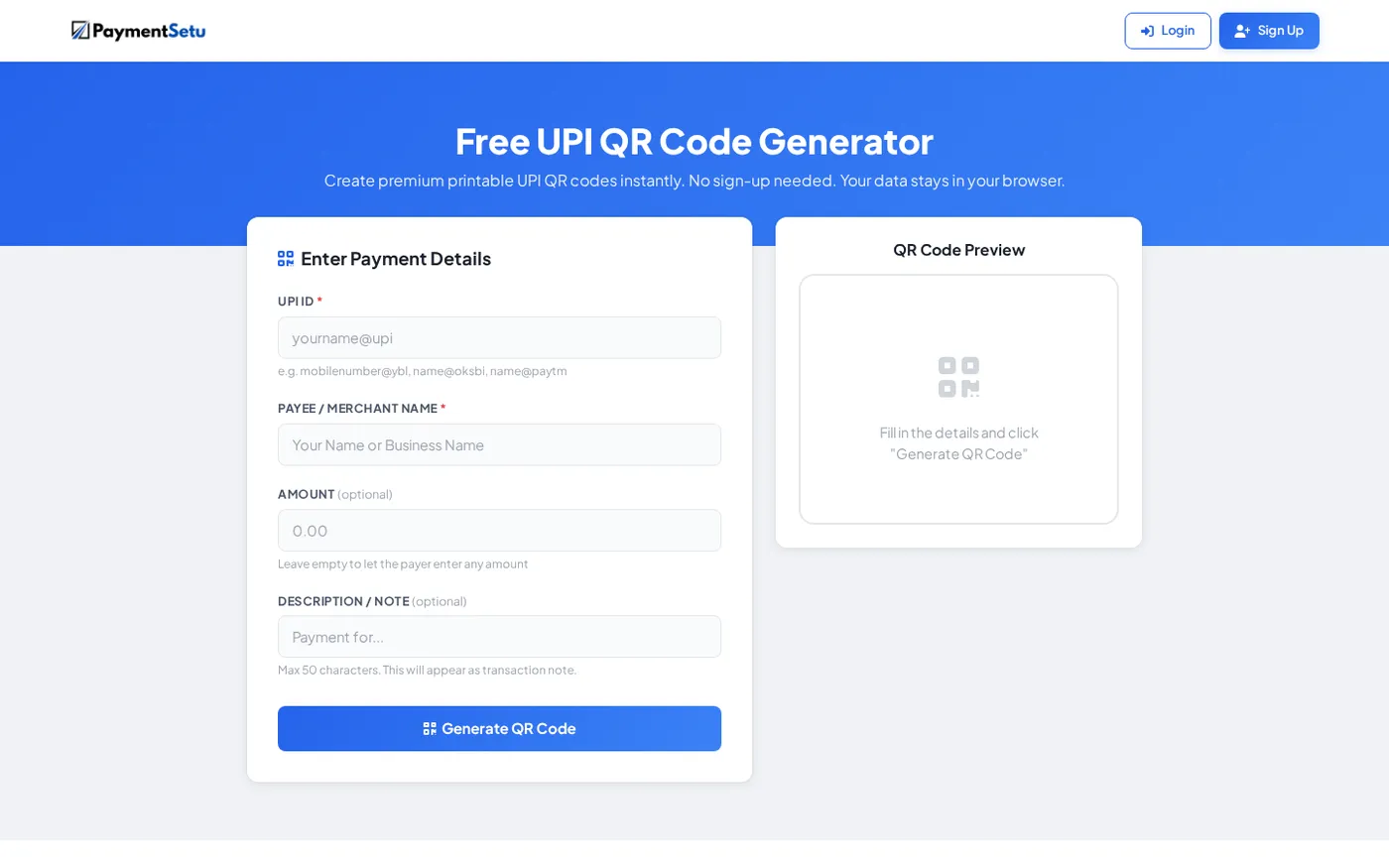
To make your own UPI QR for a counter, stall or invoice, enter your UPI ID and the name that customers should see. You can add a fixed amount when the code is for one particular bill, or leave the amount open for a general payment QR. A note can help identify the purpose of a payment, but it does not replace proper order reconciliation.
Before printing or sharing the code, scan it with a UPI app and stop at the confirmation screen. Verify the merchant name and, if included, the amount. You do not need to complete a payment just to check that the details are correct.
This type of QR is useful when you need a clean, printable code quickly. The generator is free, needs no sign-up, and creates a QR from the details you enter in the browser. For recurring bills or online orders, a code generated for each order is easier to connect to the correct customer and amount than one static code shared everywhere.
Which one a small business needs in 2026
Choose based on how your customers pay and how you need to reconcile the money.
Choose a UPI QR when
- most customers pay from UPI apps linked to their bank accounts;
- you need a printable counter QR, invoice QR or QR for social-media orders;
- you want to generate a code from your own UPI ID without setting up card acceptance;
- you want a dynamic code for each online order or invoice; or
- your priority is a simple UPI-first flow with clear merchant details at checkout.
For a small shop or freelancer, a UPI QR is usually enough to start collecting digital payments. A static code works for face-to-face sales, while a dynamic QR is more suitable when each order has a different amount and reference.
Choose Bharat QR when
- your acquiring bank has provided a Bharat QR acceptance setup;
- you specifically want the supported card and UPI options in that setup; and
- you are prepared to manage settlement, refunds and reports through that provider.
Bharat QR can make sense when card acceptance is part of the merchant’s plan. It is not automatically the better choice just because the code can support more payment rails. If your customers already prefer UPI and you only need a merchant UPI address, a UPI QR avoids adding an acceptance setup that you do not need.
Use a verification layer for online orders
A printed QR is easy to create, but online businesses have an additional question: how does the shop know which order has been paid? Reading a customer screenshot is not enough. The merchant should match the actual transaction details, including the UTR and amount, against the order and then update the order only after verification.
PaymentSetu is a payment verification service, not a payment gateway. The customer pays directly into the merchant’s own Paytm Business or PhonePe Business merchant account. PaymentSetu matches the payment to the dynamic QR or order and sends a webhook, so a WooCommerce store, WHMCS billing system or custom application can use the verified event in its order workflow.
This keeps the QR decision separate from the verification decision:
| Business need | Practical choice |
|---|---|
| Display one code at a retail counter | Static UPI QR |
| Send an invoice with a known amount | UPI QR with the amount included, or an invoice workflow with a QR |
| Create a different QR for every online order | Dynamic UPI QR connected to the order reference |
| Accept card and UPI through an acquirer-provided arrangement | Bharat QR, subject to that provider’s setup |
| Automatically update an online order after payment | Dynamic QR plus transaction verification and webhook handling |
For WooCommerce, PaymentSetu provides a WooCommerce plugin. Hosting companies can use its WHMCS module, while developers can connect through the API and HMAC-signed webhooks. The payment still goes to the merchant’s own connected merchant account; the service verifies the payment event.
Common mistakes with Bharat QR and UPI QR
Treating every QR as a Bharat QR
A QR that opens a UPI payment screen is not automatically Bharat QR. Use the issuer’s documentation and the payment screen to identify what the code supports.
Printing a sample instead of a live code
An image from a blog, demo page or design file has no connection to your UPI ID or merchant account. Generate the code from your own details or request the live code from the issuing provider.
Assuming a screenshot proves payment
A screenshot can be edited or may show a different payment. Check the transaction in the merchant account and match the amount, reference and order before supplying goods or marking an invoice paid.
Using one static QR for every online order
One static code may collect money, but it does not by itself tell your software which order the customer intended to pay. Use a dynamic QR or a controlled reconciliation process when you accept payments for many open orders.
Forgetting the customer-facing name
The customer should see a merchant name that they recognise before authorising the payment. Scan your own code after creating it and correct the payment details before printing it widely.
FAQ
Is Bharat QR the same as UPI QR?
No. Bharat QR is an interoperable merchant QR standard associated with card and UPI acceptance through an acquiring setup. A UPI QR starts a payment to a merchant’s UPI ID and is designed for the UPI payment system.
Can I create a Bharat QR with a free UPI QR generator?
No. A general UPI QR generator creates a UPI payment QR from your UPI details; it does not create a bank-issued Bharat QR acceptance arrangement. Request Bharat QR from the bank or acquirer that supports it, and use a UPI generator when you need a UPI QR.
Can a UPI app scan Bharat QR?
UPI credentials were incorporated into the Bharat QR standard, but the result depends on the merchant’s issued QR, the payer’s app and the enabled acceptance arrangement. Scan it and check the payment screen rather than assuming that every app or every payment method will work.
Is a static UPI QR suitable for a small shop?
Yes, it can be suitable for counter payments where the customer and cashier can confirm the amount. For online orders, invoices or busy operations, a dynamic QR and transaction verification make it easier to match each payment to the right order.
How do I verify a UPI QR payment before delivering an order?
Do not rely only on the customer’s screenshot. Check the actual merchant transaction, match the UTR and amount to the order, and use an automated verification workflow when the order volume makes manual checking difficult.