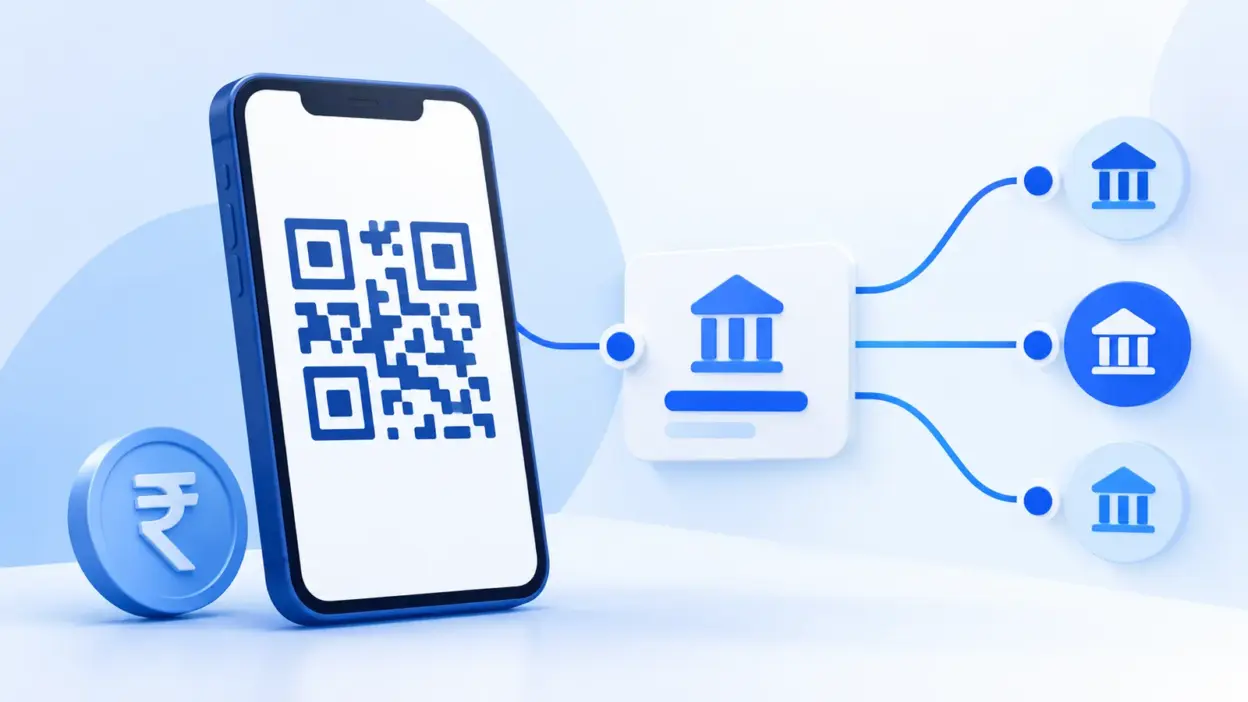
ybl upi which bank is a common search because a UPI ID can end in @ybl, @ibl or @axl even when the account holder banks elsewhere. These suffixes are UPI handles: they identify the PSP-bank route used by the app, not necessarily the bank account where the payer’s or payee’s money is held.
This guide explains the most-used handles, what they mean for a merchant or customer, and how to check the payee before sending money. The list is a practical reference, not a permanent registry: banks and UPI apps can add, retire or migrate handles.
What a UPI handle is
A UPI ID, also called a Virtual Payment Address (VPA), normally has two parts:
name-or-number@handleFor example, in shopname@ybl, shopname is the account’s chosen identifier and ybl is the handle. The @ part helps UPI route the request through the relevant PSP bank and application arrangement.
The handle is different from the customer’s issuer or account-holding bank. Google’s own help documentation gives the useful example that an SBI account can have a Google Pay UPI ID ending in @oksbi, @okhdfcbank, @okaxis or @okicici. The account can remain with SBI while the UPI ID uses a different PSP-bank route.
That is why @ybl does not prove that the person has a Yes Bank account. It usually tells you that the VPA was created through a PhonePe route backed by Yes Bank.
Common handles and their banks
The table below covers common handles seen in India. “PSP bank” means the bank supporting the UPI app or handle in the UPI ecosystem. It does not mean that the bank owns the user’s personal account.
| UPI handle | Common app or route | PSP bank commonly associated with the handle | What to remember |
|---|---|---|---|
@ybl | PhonePe | Yes Bank | The account can be with another bank. |
@ibl | PhonePe | ICICI Bank | IBL here does not mean IDBI Bank. |
@axl | PhonePe | Axis Bank | This is different from Google Pay’s @okaxis. |
@okaxis | Google Pay | Axis Bank | The linked account may be with another bank. |
@okhdfcbank | Google Pay | HDFC Bank | The handle names the PSP route. |
@okicici | Google Pay | ICICI Bank | It is not proof that the holder banks with ICICI. |
@oksbi | Google Pay | State Bank of India | It can be one of several UPI IDs for an account. |
@paytm | Paytm | Yes Bank for existing @paytm handles | Do not assume this means Paytm Payments Bank. |
@ptaxis | Paytm | Axis Bank | Paytm may create provider-specific handles. |
@pthdfc | Paytm | HDFC Bank | Check the complete VPA and payee name. |
@ptsbi | Paytm | State Bank of India | This is a Paytm route, not necessarily the user’s bank. |
@ptyes | Paytm | Yes Bank | It is separate from the older @paytm suffix. |
@apl | Amazon Pay | Axis Bank | It is an app/provider handle. |
@ikwik | MobiKwik | HDFC Bank | A less common but published example. |
The underlying data comes from the NPCI UPI members directory and provider information published for their UPI arrangements. NPCI’s March 2024 approval announcement also said the existing @paytm handle would be redirected to Yes Bank. Paytm can have additional handles such as @ptaxis, @pthdfc, @ptsbi and @ptyes, so a current Paytm ID should be read in full rather than guessed from the app name alone.
Google Pay’s documentation makes the main point clear: the ending of the UPI ID can be different from the bank account linked to the app. If you are checking a specific handle, use the Google Pay guidance on extra UPI IDs and the live UPI ID displayed inside the app.
Does the handle affect where money lands?
The short answer is no: the handle does not override the bank account linked to the full UPI ID.
Suppose a customer has an SBI account linked in Google Pay and the app creates rahul@okhdfcbank. When Rahul pays a merchant, the customer’s linked SBI account is debited. The @okhdfcbank part identifies the PSP route used by that UPI ID; it does not move Rahul’s balance to HDFC Bank.
The same principle applies when a merchant receives money. If a shop’s VPA is store@ybl, the payment is addressed to that exact VPA and is credited to the account mapped to it. Yes Bank’s role as PSP bank does not mean the merchant’s settlement account must be a Yes Bank account.
For any payment, think about three separate parties:
- The payer’s account bank: the bank account that is debited after the payer authorises the transaction.
- The PSP bank: the bank supporting the UPI app or handle and helping connect it to the UPI system.
- The payee’s mapped account: the account linked to the full recipient VPA, where the money is credited.
The handle mainly helps with the second item. To identify the actual recipient, review the full UPI ID and the payee name shown on your UPI app’s confirmation screen. A correctly spelled handle can still belong to the wrong person or business.
Handles on merchant versus personal UPI IDs
The format is similar for both, but the surrounding account setup can differ.
Personal UPI ID
A personal ID might look like 9876543210@ybl or name@okaxis. The local part can be a mobile number, name or an app-generated identifier. One person can have multiple UPI IDs across different apps, with different handles pointing to the same linked bank account or to different linked accounts.
Merchant UPI ID
A merchant ID may be generated for a business or current account, for example shopname@paytm or a provider-specific merchant VPA. Customers should still confirm the payee name before entering their UPI PIN. The presence of a familiar suffix is not a substitute for checking the exact merchant identity.
For a printed or online QR, the QR normally stores the complete payee address, not just the suffix. If you change the VPA connected to your shop, invoice or checkout, create and publish a new QR so that customers are not sent to an old address.
Businesses that need payment status linked to orders also need a way to match the UTR and amount to the right order. PaymentSetu is built for that verification layer: the customer pays the merchant’s own Paytm Business or PhonePe Business account, PaymentSetu matches the payment and sends a webhook. It is a payment verification service, not a payment gateway, and it does not hold the merchant’s money.
For a broader explanation of merchant flows, see how to accept UPI payments for a small business and P2P QR code vs P2M QR code.
How to check a UPI ID before paying
Use the handle list as a clue, then verify the full payment destination:
- Read the complete UPI ID. Compare every character before and after
@.@okhdfcbankand@okhdfcbaknare different strings. - Check the payee name. Enter the VPA or scan the QR and wait for your UPI app to display the recipient name. Stop if the name does not match the person or business you expect.
- Check the amount. A QR or payment link may contain a fixed amount. Confirm it before authorising.
- Use a small verification payment for a new recipient. For an unfamiliar business, make a small test payment and confirm the recipient has received it before sending a larger amount.
- Keep the UTR. Save the UPI transaction reference so the recipient can reconcile the payment if they need to check it later.
Do not share your UPI PIN to receive money, and do not approve a collect request just because its handle looks familiar. A handle can help you understand routing, but it cannot certify that a request is genuine.
Make a QR from any UPI ID
You do not need to know the customer’s bank to create a QR. You need the merchant’s correct UPI ID, the name to display and, if required, a fixed amount or payment note.
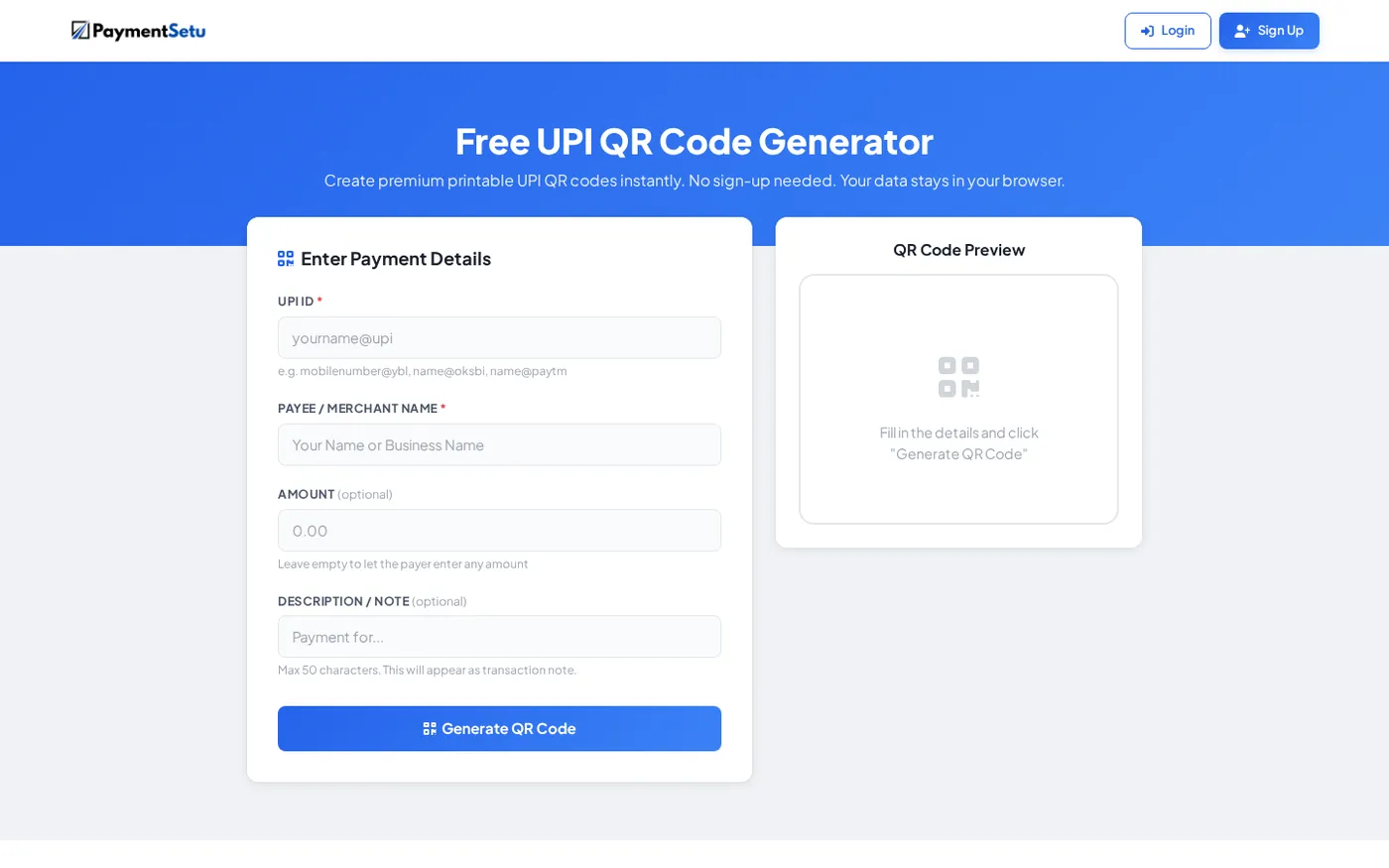
With PaymentSetu’s free UPI QR code generator, you can enter the UPI ID and download or print a QR without signing up. The generated code is meant to point to the full UPI address, so check the preview and scan it once with a UPI app before placing it at a counter or adding it to an invoice.
For an invoice, include the invoice number in the note when the tool or payment flow supports it. For a website or large order volume, use a dynamic order-specific QR and a verification workflow so that the payment can be matched to the correct order instead of relying on a screenshot or a customer message.
Common mistakes about UPI handles
Mistake 1: Treating the suffix as the customer’s bank
@ybl means the VPA uses a Yes Bank PSP route; it does not prove that the account holder has a Yes Bank savings account. The same person can use a different handle in another app while keeping the same underlying bank account.
Mistake 2: Calling every @paytm ID a Paytm Payments Bank ID
That explanation is outdated for existing @paytm handles. NPCI’s 2024 approval announcement stated that @paytm would be redirected to Yes Bank, and current Paytm arrangements can also use bank-specific handles.
Mistake 3: Checking only the app name
Two UPI IDs from the same app can have different handles and different PSP-bank routes. Always save the full VPA used for your QR, invoice or checkout rather than recording only “PhonePe”, “Google Pay” or “Paytm”.
Mistake 4: Assuming a familiar handle proves the recipient is genuine
Scammers can present a correctly formatted UPI ID or QR code with a misleading name. The final payee name shown by your UPI app and the exact amount are more useful checks than the suffix alone.
FAQ
Which bank is @ybl in UPI?
@ybl is commonly associated with PhonePe’s Yes Bank PSP route. It does not mean the UPI user must hold a Yes Bank account; the user may have linked an account from another bank.
Which bank is @ibl in UPI?
@ibl is commonly associated with PhonePe’s ICICI Bank PSP route. It is not an indication that the user’s account is with IDBI Bank, and the full UPI ID plus the displayed payee name should still be checked.
Which bank is @axl in UPI?
@axl is commonly associated with PhonePe’s Axis Bank PSP route. It is different from Google Pay’s @okaxis, even though both routes are associated with Axis Bank.
Which bank is @paytm in UPI?
Existing @paytm handles were redirected to Yes Bank under NPCI’s 2024 approval. Paytm may also issue handles such as @ptaxis, @pthdfc, @ptsbi and @ptyes, so check the complete ID and current app details.
Can I make a QR code from a UPI ID with any handle?
Yes. A UPI QR can point to a valid full UPI ID regardless of whether the suffix is @ybl, @okaxis, @paytm or another supported handle. Verify the payee name and scan the final QR before printing or sharing it.
DONE upi-handles-list-which-bank words=1484