

WooCommerce payment gateway charges can change your margin on every order, especially when most customers pay by UPI. For a store doing ₹3 lakh a month, a percentage-based gateway can cost thousands in transaction fees, while PaymentSetu uses a flat plan for verifying UPI payments into your own merchant account.
How WooCommerce gateway fees work
A WooCommerce payment integration usually has two separate costs: the plugin or integration cost and the fee charged when a customer successfully pays. A plugin may be free to download, but the gateway generally deducts a percentage from each successful transaction before settlement.
That percentage is often shown before GST. For a simple comparison, this article uses the standard public rates visible on the providers’ pricing pages on 24 October 2026 and adds 18% GST to the stated fee. Your contract, payment method, business type, offer eligibility and settlement options can change the final amount, so confirm the rate before onboarding.
PaymentSetu works differently. The PaymentSetu WooCommerce plugin creates a UPI payment flow for your order, the customer pays your connected merchant account, and PaymentSetu matches the UTR and amount before sending the verification webhook. There is 0% commission on the payment; you pay for the selected 30-day plan and its credits.
Fee table for popular Indian gateway plugins
The first question is whether you need a full payment gateway for cards, net banking and other methods, or a direct UPI verification workflow for your own merchant account. The rows below compare the cost models, not just the download price of each plugin.
| Option | WooCommerce cost model | Published standard charge checked 24 October 2026 | Settlement or payment destination |
|---|---|---|---|
| PaymentSetu WooCommerce Plugin | Free plugin, with a PaymentSetu plan | ₹999 per 30 days for Pro and up to 1,000 verified payments; 0% commission | Customer pays your own connected merchant account; PaymentSetu verifies the payment |
| Razorpay WooCommerce integration | Percentage fee on successful payments | 2.15% + GST platform fee shown on its public pricing page | Gateway settlement to your configured account |
| Cashfree WooCommerce plugin | Percentage fee on successful payments | 1.95% + applicable taxes standard rate; separate offers have their own terms | Gateway settlement to your configured account |
| PayU WooCommerce integration | Percentage fee on successful payments | 2% + GST for several listed domestic methods; UPI pricing varies by business type and volume | Gateway settlement to your configured account |
Razorpay, Cashfree and PayU can be suitable when one checkout must accept several payment methods. Their percentage model is less attractive when your WooCommerce orders are primarily UPI and you want the money to go into your own merchant account without a per-order commission.
For PaymentSetu, the Pro plan is the practical comparison point for a growing store: it includes 1,000 credits, and one credit equals one successful payment verified. See the current plans on the PaymentSetu pricing section.

Worked example: ₹3 lakh a month
To make the difference visible, assume your store processes ₹3,00,000 in one 30-day period. For PaymentSetu, also assume 1,000 successful UPI orders, giving an average order value of ₹300. This order count matters because PaymentSetu plans are credit-based, while gateway fees are based mainly on transaction value.
Percentage-fee calculation
| Option | Calculation on ₹3,00,000 | Estimated fee for the period |
|---|---|---|
| Razorpay standard rate | ₹3,00,000 × 2.15% = ₹6,450; GST on fee = ₹1,161 | ₹7,611 |
| Cashfree standard rate | ₹3,00,000 × 1.95% = ₹5,850; 18% GST = ₹1,053 | ₹6,903 |
| PayU listed domestic rate | ₹3,00,000 × 2% = ₹6,000; 18% GST = ₹1,080 | ₹7,080 |
| PaymentSetu Pro | Fixed plan for up to 1,000 verified payments; 0% commission | ₹999 |
Under these assumptions, PaymentSetu Pro costs ₹999 for the 30-day period instead of a percentage of the ₹3 lakh GMV. Its effective plan cost is about ₹1 per verified order when you use all 1,000 credits. The customer’s UPI payment itself is not reduced by a commission; it goes to your own connected merchant account.
This is a cost comparison, not a promise that every store should replace every payment method. If your checkout needs cards, international payments or multiple payment methods, you may still need a payment gateway for those methods. You can use PaymentSetu for the UPI part when direct UPI collection and automated order verification are the priority.
Network MDR vs platform fee
The words “MDR”, “platform fee” and “gateway charge” are often used together, but you should look at the final deduction on a successful payment. A provider may display a base percentage and then apply GST to that fee. A promotion may apply only to certain merchants, payment methods, dates or GMV limits.
Use this checklist when reading a WooCommerce pricing page:
- Identify the payment methods. A rate for cards or net banking may not be the rate for UPI. PayU, for example, states that UPI pricing varies by business type and volume.
- Add GST to the fee. A 2% fee is not the same as a 2% all-in cost when GST is charged on the fee.
- Check whether the rate is standard or promotional. Cashfree’s published offer has separate eligibility and campaign terms, while standard pricing applies after the offer conditions end.
- Check settlement-related charges. Faster settlement may have a separate price or eligibility rule.
- Calculate with your own order mix. ₹3 lakh from 1,000 UPI orders and ₹3 lakh from 100 high-value card orders produce different costs and operational needs.
These providers’ pricing pages can change, so the date beside each comparison matters. Before onboarding, open each provider’s current official pricing page and confirm the rate for your payment methods, business profile and any active offer.
What PaymentSetu adds to WooCommerce
PaymentSetu is a payment verification service, not a payment gateway. That distinction is important: it does not hold the customer’s money or act as the party collecting the funds. The customer pays your own connected Paytm Business or PhonePe Business merchant account, and PaymentSetu connects that payment to the WooCommerce order.
For a UPI-first store, the value is the combination of a flat plan and automated verification:
- Dynamic QR is created for the order.
- PaymentSetu matches the UTR and amount against the order.
- A webhook can mark the WooCommerce order paid after verification.
- The dashboard, real-time notifications, API access and email support are included across the plans.
- The plugin avoids custom API work for a standard WooCommerce setup.
The plan choice depends on successful payments, not only rupee value:
| Plan | Price | Credits | Suitable store profile |
|---|---|---|---|
| Starter | ₹399 per 30 days | 100 | New stores and small shops |
| Pro | ₹999 per 30 days | 1,000 | Growing WooCommerce stores |
| Business | ₹1,499 per 30 days | 100,000 | High-volume stores and SaaS businesses |
The free UPI QR code generator can help with a static counter QR, but a WooCommerce store that needs order-level verification should use the plugin and an active plan. For the broader static-QR workflow, see our free UPI QR code generator guide. If you also send manual invoices, the free invoice generator with UPI QR is a useful related tool.
Installing the PaymentSetu WooCommerce plugin
The standard setup is short because the plugin supplies the WooCommerce integration.
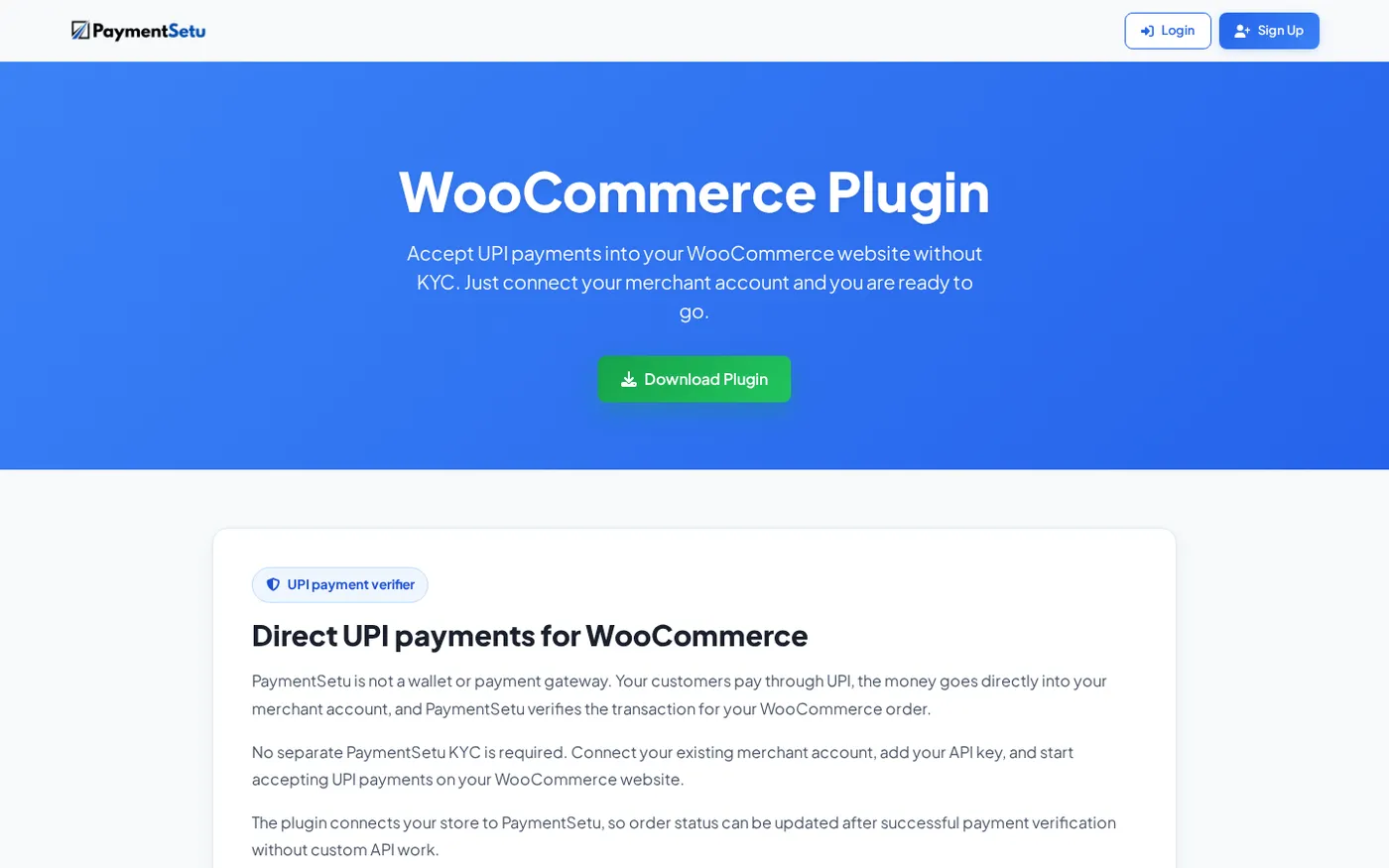
- Download
paymentsetu-gateway.zipfrom the WooCommerce plugin page. - In WordPress, open Plugins → Add New → Upload Plugin, select the ZIP file and install it. WordPress documents this upload flow in its plugin management guide.
- Activate the plugin.
- Open WooCommerce → Settings → Payments, select PaymentSetu and enable it.
- Add the required PaymentSetu credentials and connect your Paytm Business or PhonePe Business merchant account.
- Save the settings, create a low-value test order and complete a real UPI payment from the checkout QR.
- Confirm that the payment is matched and the webhook changes the order to the paid status.
The success check is not just seeing a QR on the checkout page. You want to see the order reference, UTR and amount match in the dashboard, followed by the expected WooCommerce order status.
How to choose for your store
Choose PaymentSetu first when your priority is UPI, your customers can pay your connected merchant account, and transaction commissions are eating into your margin. The flat ₹399, ₹999 or ₹1,499 plan makes the monthly cost easy to forecast, and the WooCommerce plugin handles verification and order updates.
Choose a percentage-based gateway when you need cards, net banking, international payment methods or a broad hosted checkout from one provider. Compare its actual rate for your payment mix, add GST, and check whether any offer is temporary or limited to a particular transaction category.
For many Indian WooCommerce stores, the practical decision is not “one plugin for everything”. It is to use a full gateway for payment methods that require it and add PaymentSetu for direct, automated UPI verification where a flat plan produces a lower cost.
FAQ
What are WooCommerce payment gateway charges in India?
WooCommerce itself does not set one universal payment fee. The provider connected to your store may charge a percentage on successful transactions, plus GST on that fee, while the plugin may be free to download. Your final charge depends on payment method, provider, contract and offers.
Is PaymentSetu a payment gateway?
No. PaymentSetu is a payment verification service. The customer pays the merchant’s own connected Paytm Business or PhonePe Business account, and PaymentSetu matches the payment to the WooCommerce order and sends a webhook.
Is the PaymentSetu WooCommerce plugin free?
The plugin is a free download, but it works with a PaymentSetu plan. Plans start at ₹399 per 30 days; Pro is ₹999 per 30 days for 1,000 verified payments.
Which is cheaper for ₹3 lakh of WooCommerce sales: Razorpay or PaymentSetu?
Using the standard rates checked on 24 October 2026, the example in this guide estimates ₹7,611 for Razorpay at 2.15% plus GST. PaymentSetu Pro is ₹999 per 30 days for up to 1,000 verified payments, so it is the lower-cost option for a UPI-first store that fits that credit volume.
Can I use PaymentSetu if I need cards as well as UPI?
PaymentSetu is designed for direct UPI collection and verification. If you need cards or other payment methods, use the gateway that supports those methods and consider PaymentSetu for the UPI workflow where its flat plan and direct merchant-account settlement fit your store.