

A ccavenue alternative makes sense when your business mainly needs UPI collections, automatic payment verification and predictable costs rather than a percentage fee on every order. For Indian WooCommerce stores and WHMCS hosting companies, PaymentSetu connects your own Paytm Business or PhonePe Business merchant account to your checkout, matches the UTR and amount, and sends the payment status back to your system.
Quick verdict: PaymentSetu for direct UPI collections
Choose PaymentSetu when you want UPI money to go directly into your own merchant account and your software needs a verified order or invoice status. It is a payment verification service, not a payment gateway: the customer pays your connected merchant account, PaymentSetu matches the payment to the order and sends a webhook. It does not hold the money.
CCAvenue remains a gateway-style option for merchants who want a broad online checkout with multiple payment methods. The useful comparison is therefore not “which brand has a nicer checkout?” It is “do you need a full payment gateway, or do you want a focused UPI flow with a flat plan and direct settlement?”
| Option | Cost model | Where the money goes | Best fit |
|---|---|---|---|
| PaymentSetu Pro | ₹999 / 30 days, 0% commission; 1,000 verified payments | Your connected Paytm Business or PhonePe Business merchant account | Growing WooCommerce stores, WHMCS hosts and service businesses collecting UPI |
| CCAvenue standard online pricing | Publicly listed 2.00% platform fee per online payment, plus 18% GST; merchant-category terms can differ | According to the gateway and merchant settlement arrangement | Businesses seeking a wider gateway checkout |
| CCAvenue custom pricing | Pricing on request for qualifying enterprise arrangements | According to the agreed commercial and settlement schedule | Larger or more complex payment programmes |
The CCAvenue figures above are a dated reading of its public pricing page on 23 October 2026, not a personalised quote. Ask for the commercial terms that apply to your merchant category before signing any gateway agreement.
Why businesses replace CCAvenue for UPI
1. A percentage fee becomes visible at scale
CCAvenue’s public standard page lists a 2.00% platform fee for online payments and says 18% GST applies. That percentage is easy to overlook when an order is small, but it becomes a line item worth modelling when you collect several lakh rupees each month.
For example, on ₹5,00,000 of monthly online collections:
- Listed platform fee: ₹5,00,000 × 2% = ₹10,000.
- GST at 18% on that fee: ₹10,000 × 18% = ₹1,800.
- Illustrative fee total: ₹11,800, before any other agreement-specific charges.
PaymentSetu uses a plan charge instead of a per-payment commission. The Pro plan is ₹999 per 30 days for 1,000 credits, where one credit equals one successful payment verified. For the same example, the important variables are your payment count and the plan you choose—not the rupee value of each order.
2. Direct settlement suits UPI-first businesses
With PaymentSetu, a customer pays by UPI to the merchant’s own connected account. PaymentSetu checks the UTR and amount against the dynamic QR and order, then sends a webhook so the store or billing system can update its status.
That is a different operating model from routing a customer through a gateway checkout. The money is not held by PaymentSetu, and your reconciliation starts with the statement of your own merchant account. The NPCI UPI FAQ describes UPI as an instant account-to-account payment system and explains QR-based merchant payments; the verification layer then connects that payment to the order in your software.
3. WHMCS automation matters more than a generic payment button
Hosting providers do not just need a payment page. They need an invoice to move to paid status, a callback to be received, and the service workflow to continue only after the payment has been verified.
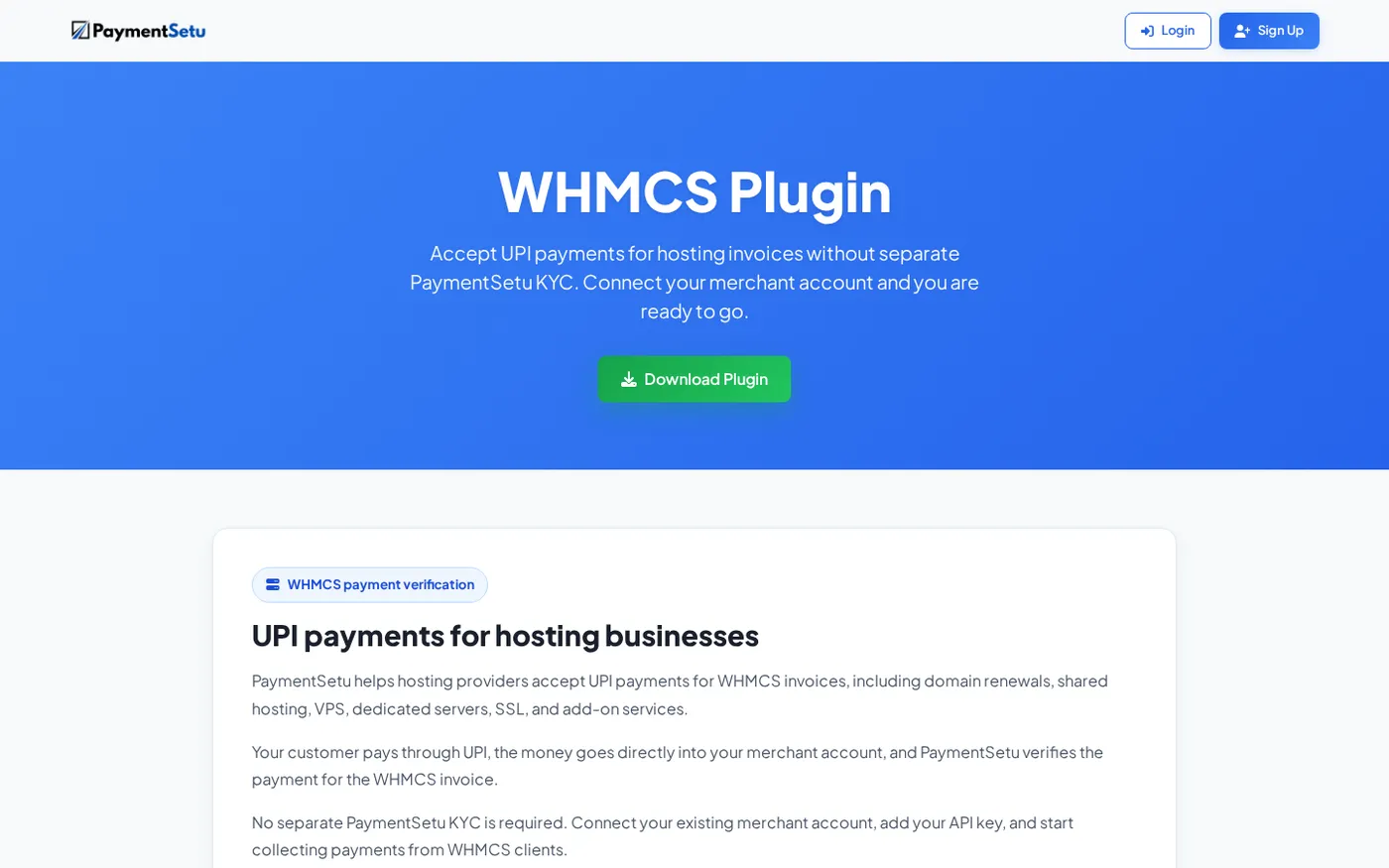
PaymentSetu provides a WHMCS gateway module and callback file. After setup, the customer scans the invoice QR, pays into your connected merchant account, and the verified webhook updates the WHMCS invoice. That is why it is a practical CCAvenue alternative for WHMCS when your requirement is UPI invoicing rather than a multi-method checkout.
CCAvenue published pricing as of October 2026
CCAvenue’s public pricing page currently shows these points for its standard online plan:
| Published item | What the page shows |
|---|---|
| Online payments | 2.00% platform fees |
| Taxes | 18% GST applicable |
| Setup | No setup fees shown for the standard option |
| Commercial variation | Terms may differ by merchant category |
| Custom arrangements | Pricing on request for qualifying enterprise needs |
Treat this as a snapshot, not a promise that every merchant receives identical terms. Pricing pages can separate online, offline, UPI, card and enterprise arrangements, and the final activation or merchant agreement controls what you actually pay.
For a UPI-first store, compare the total cost of the route you will actually use. If most customers scan a QR and pay by UPI, a flat verification plan may be easier to forecast than a percentage on the order value. If you need card, net banking and other methods in one checkout, include those requirements in your evaluation rather than comparing only the UPI line.
How PaymentSetu direct UPI verification works
The flow has four practical parts:
- Create the order or invoice. Your WooCommerce store, WHMCS installation or custom application creates an order with an amount and client transaction ID.
- Show a dynamic QR. The customer sees a QR tied to that order instead of a generic screenshot. The amount and order reference are available for matching.
- Receive the customer’s UPI payment. The payment goes to your own connected Paytm Business or PhonePe Business merchant account.
- Verify and update. PaymentSetu matches the UTR and amount, then sends a signed webhook. Your application marks the order or invoice paid after validating the webhook and handling the event idempotently.
For a custom integration, the available API surface includes POST /api/create_order, GET /api/order_status/{client_txn_id} and GET /api/check_credits. Webhooks are HMAC-signed, so your endpoint should verify the signature before changing an order state. Store the event or transaction reference you have processed so a repeated delivery cannot create duplicate fulfilment.
This gives an owner a simple control point: the merchant statement is the source of the money, while the PaymentSetu dashboard and webhook provide the order-level verification trail.
WHMCS setup for a CCAvenue alternative
The PaymentSetu module is designed for self-hosted WHMCS installations where you can upload gateway files and configure a payment method. WHMCS documents the general activation pattern—find the payment gateway in its payment settings, activate it and save its credentials—in its official payment gateway setup guide.
Use this sequence:
- Download the PaymentSetu WHMCS module from the WHMCS plugin page.
- Upload
paymentsetu.phpto your WHMCSmodules/gateways/directory and upload the supplied callback file to the matchingmodules/gateways/callback/directory. - In PaymentSetu, connect your Paytm Business or PhonePe Business merchant account and create the API credentials needed by the module.
- In WHMCS, activate PaymentSetu under the payment gateway settings.
- Enter the API key and callback URL, then map the currency and display settings required by your WHMCS installation.
- Create a test invoice and confirm that the QR carries the expected amount. Complete the payment and check that the webhook is accepted before enabling the method for all clients.
Success looks like this: the client sees a UPI payment option on the invoice, the payment lands in your own merchant account, PaymentSetu verifies the transaction, and WHMCS records the invoice as paid through the callback.
For WooCommerce stores, the PaymentSetu WooCommerce plugin provides a ready UPI checkout path without custom API work. Upload paymentsetu-gateway.zip, enable it under WooCommerce > Settings > Payments, add the requested credentials and let the webhook update the order after verification.
₹ comparison: gateway percentage versus flat plans
The fairest comparison uses both monthly value and payment count. The table below uses CCAvenue’s displayed 2% standard online fee and adds 18% GST to that fee for illustration. It uses PaymentSetu’s listed plan prices, which are per 30 days.
| Monthly online collection | CCAvenue 2% fee | Illustrative GST on fee | Fee plus GST | PaymentSetu plan to consider |
|---|---|---|---|---|
| ₹1,00,000 | ₹2,000 | ₹360 | ₹2,360 | Starter: ₹399 / 30 days, up to 100 verified payments |
| ₹5,00,000 | ₹10,000 | ₹1,800 | ₹11,800 | Pro: ₹999 / 30 days, up to 1,000 verified payments |
| ₹10,00,000 | ₹20,000 | ₹3,600 | ₹23,600 | Business: ₹1,499 / 30 days, up to 100,000 verified payments |
These are comparison examples, not an invoice or tax opinion. Your plan should match your expected successful payment count. Starter includes 100 credits, Pro includes 1,000, and Business includes 100,000; every credit represents one successful payment verified.
All three plans include dynamic QR, webhooks, a unified dashboard, real-time notifications, API access and email support. Pro adds Priority Support, while Business adds Priority Support and a Dedicated Account Manager. See the live PaymentSetu pricing section for the current plan cards before you activate an account.
How to choose the right alternative
Use these questions to make the decision quickly:
- Are your customers mainly paying by UPI? If yes, compare a direct UPI verification workflow with a full gateway workflow instead of comparing logos.
- Do you need money in your own merchant account? PaymentSetu is built around your connected Paytm Business or PhonePe Business account and does not hold the payment.
- Do you run WHMCS? The ready module and callback file reduce the integration work needed to turn verified UPI payments into paid invoices.
- Do you run WooCommerce? The plugin adds the UPI checkout path without requiring custom API development.
- How many successful payments will you verify? Choose by credits: 100 on Starter, 1,000 on Pro or 100,000 on Business.
- Do you need cards and several non-UPI methods? Include that requirement in your wider payment stack decision. PaymentSetu is the focused choice for direct UPI collection and verification.
For a hosting company with recurring WHMCS invoices, Pro is the natural starting point when the volume fits 1,000 verified payments per 30 days. Small counters and freelancers may begin with Starter, while a high-volume SaaS or multi-branch operation can compare the Business plan’s 100,000 credits and account support.
FAQ
What is the best CCAvenue alternative for UPI?
For an Indian business focused on UPI collections, PaymentSetu is a strong fit because it uses a flat plan, charges 0% commission and sends money directly to your own connected merchant account. It also provides verification, webhooks and ready WooCommerce and WHMCS integrations.
Does PaymentSetu replace a full payment gateway?
PaymentSetu is a payment verification service, not a payment gateway. It is designed for customers paying by UPI into your own Paytm Business or PhonePe Business merchant account, followed by automatic matching and webhook updates.
Is PaymentSetu a CCAvenue alternative for WHMCS?
Yes, for WHMCS businesses whose main requirement is UPI invoice collection and automatic verification. The WHMCS module uses paymentsetu.php, a callback file, an API key and a callback URL to update invoices after a verified payment.
How much does PaymentSetu cost?
Starter is ₹399 per 30 days for 100 credits, Pro is ₹999 per 30 days for 1,000 credits, and Business is ₹1,499 per 30 days for 100,000 credits. One credit equals one successful payment verified; the plans use 0% commission on the payment amount.
Does PaymentSetu hold customer money?
No. The customer pays directly into the merchant’s connected Paytm Business or PhonePe Business account. PaymentSetu matches the UTR and amount to the order and sends a webhook so your store or WHMCS installation can update its status.
DONE ccavenue-alternative-upi words=1906