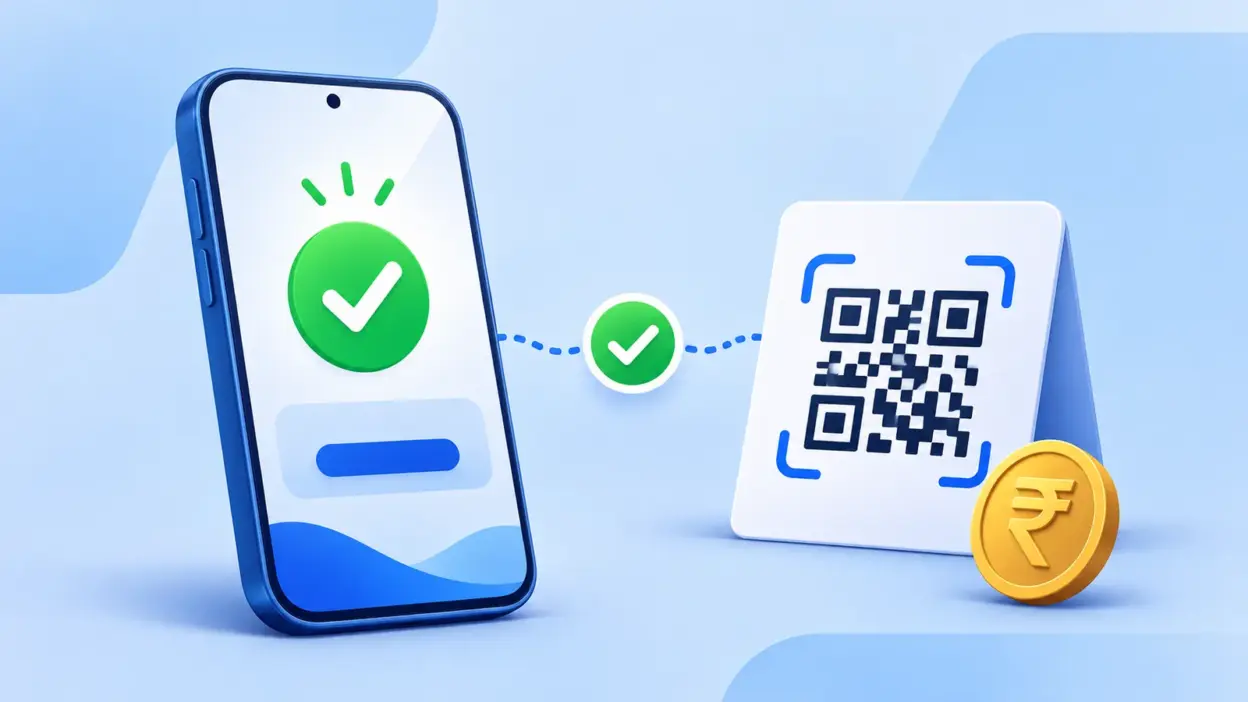
A test upi id is not a magic value you can use across every UPI app and merchant integration. For most businesses, the dependable way to test the real payment path is a controlled ₹1 live payment, backed by test orders, webhook fixtures and a clear record of the UTR.
This checklist covers both the payment and the software around it: QR creation, order states, UTR matching, duplicate handling and webhook security. It also explains when a gateway’s sandbox test ID is useful—and why it must not be mistaken for a real production UPI address.
What you need before testing
Prepare these items before making any payment:
- A verified merchant account that will receive the money. PaymentSetu currently connects Paytm Business and PhonePe Business merchant accounts.
- A staging site or a clearly labelled test order in production. Never test against an order that a real customer could pay by accident.
- A separate UPI app or bank account from the one receiving the test payment, where possible.
- A unique test order ID, the expected amount and a place to record the UTR, timestamp, payer account and final order state.
- Access to your webhook logs and application logs. Keep the raw request body and signature metadata for debugging, but redact API keys and secrets.
- A plan for returning or accounting for the ₹1 test payment according to your normal business process.
PaymentSetu is a payment verification service, not a payment gateway. The customer pays straight into your own merchant account; PaymentSetu matches the UTR and amount to the dynamic QR or order and sends a webhook. It does not hold the payment.
Why UPI has no universal test ID
The phrase “fake UPI ID for testing” is usually mixing together three different things:
- A real UPI ID or VPA, which is an address used in the live UPI network.
- A provider-specific sandbox value, which only works inside that provider’s test environment.
- A screenshot or manually entered transaction reference, which is not evidence that money was received.
There is no universal public test@upi style address that every UPI app, bank and merchant system will accept. A random-looking VPA may be invalid, may belong to someone else, or may not produce the merchant-side callback your application needs.
NPCI’s UPI FAQ describes merchant onboarding through an acquiring bank and lists QR, intent, application-based and collect integration modes. Its UPI Certification Zone manual describes a controlled simulation tool for member-bank certification, not a general sandbox that any website owner can use as a production substitute. That is why your integration vendor may offer test values while the underlying live UPI rail does not offer one universal merchant test ID.
If a payment platform gives you a test UPI ID, use it only with that platform’s sandbox credentials and endpoints. Do not publish it in a live QR, send it to customers, or assume that a successful sandbox response proves your live merchant account, UTR matching and bank-side notification path are ready.
See the NPCI UPI FAQ and the NPCI UPI Certification Zone manual for the distinction between merchant integration and member-bank certification tooling.
Gateway test IDs versus real UPI
A gateway sandbox normally simulates the provider’s response. It is useful for checking whether your checkout renders, whether your server parses a success response and whether your test order changes state. It does not necessarily exercise your own merchant QR, your connected merchant account, your UTR lookup or your live webhook URL.
Treat the two environments as separate test layers:
| Test layer | What it can prove | What it cannot prove |
|---|---|---|
| Local or staging fixtures | Your order state machine, signature verification, idempotency and error handling | That a real UPI payment reaches the intended merchant account |
| Provider sandbox | The provider’s documented simulated payment responses | That your live QR, bank account and production credentials work |
| Controlled ₹1 live payment | QR scan, real authorization, merchant credit, UTR capture and live notification path | Every possible failure branch without a fixture or documented test mode |
PaymentSetu’s model is direct UPI collection into your own connected Paytm Business or PhonePe Business merchant account, followed by verification. Therefore, use fixtures for repeated application tests and use one or more carefully labelled live orders for the final end-to-end check.
Step 1: Create an isolated test order
Why: A unique order prevents a test callback from marking a customer order as paid or being confused with a previous transaction.
Actions:
- Create a staging order, or create a production order with an unmistakable label such as
TEST-UPI-20261105-01. - Use a unique
client_txn_idfor the order. Never reuse an ID from an earlier attempt. - Set the amount to ₹1 for the first end-to-end run. Store the expected amount as an integer number of paise in your application rather than comparing formatted text.
- Generate the order’s dynamic QR through your integration. Confirm that the displayed merchant name and amount are the ones you expect before scanning.
- Record the order ID, client transaction ID, creation time and expected amount in your test log.
Success looks like: The QR points to your intended merchant account, the amount is locked to the test order, and the order begins in your normal unpaid or pending state.
For a custom integration, use the documented POST /api/create_order flow and then check the order with GET /api/order_status/{client_txn_id}. Check GET /api/check_credits before a test run so a credit or plan issue is not mistaken for a UPI failure. Do not copy request fields from an old code sample; use the current API documentation for the request body and API-key authentication.
Step 2: Make a controlled ₹1 live payment
Why: Only a live payment confirms that the complete path—from QR or intent to your merchant account and verification callback—works with real UPI participants.
Actions:
- Open the QR on the test order and scan it from the separate test payer account.
- Check the payee name and amount in the UPI app before approving. Stop if either is wrong.
- Approve exactly ₹1 with the payer’s UPI PIN.
- Save the UTR or transaction reference shown by the payer app, along with the exact payment time.
- Check the receiving merchant account and your PaymentSetu dashboard. Do not mark the order paid from a screenshot or from the payer app alone.
- Wait for the verification result and webhook to reach your application, then compare the received amount and UTR with the test order.
Success looks like: The money appears in the intended merchant account, the UTR and amount match the correct order, the order changes to paid once, and your application records the webhook response.
The UTR is useful evidence for reconciliation, but it is not a reason to trust user-submitted text. Your server should rely on the verified payment result and its own order mapping. A customer screenshot can be attached to a support record, but it should never be the event that fulfils an order.
Step 3: Verify every order and webhook state
Why: A successful payment is only one branch. Most launch bugs appear when the browser closes, a callback is repeated, or the order status is checked before the notification arrives.
Actions:
- Confirm that the browser return or redirect is informational only; the server-side verification result is authoritative.
- Call
GET /api/order_status/{client_txn_id}after the payment and compare its result with the webhook event. - Check that the webhook handler verifies the HMAC signature against the raw request body before parsing or fulfilling the order.
- Store the provider transaction reference, UTR, amount, order ID, event time and processing result.
- Make the fulfilment operation idempotent. The same verified event must not create two shipments, extend a hosting service twice or consume two entitlements.
- Return a successful HTTP response only after the event has been authenticated and safely recorded. Queue slow business work after recording it if your architecture supports that.
Success looks like: The order has one paid transition, one fulfilment record and a searchable audit trail containing the matching UTR and amount.
For implementation details, use the HMAC webhook signature guide for PHP, Python and Node.js. If you are using WooCommerce, compare your result with the WooCommerce pending-payment troubleshooting guide and confirm that only the verified server event moves the order forward.
A safe handler has this shape, with field names adapted to the current webhook payload:
if not verify_hmac(raw_request_body, signature, webhook_secret):
    return 401

if event_id_already_processed(event_id):
    return 200

record_verified_event(event_id, order_id, amount, utr)
fulfil_order_once(order_id)
return 200
Step 4: Replay webhooks safely
Why: Replaying a known event tests your application repeatedly without moving more money, as long as the replay is isolated from real fulfilment.
Actions:
- Capture one valid webhook fixture from the test order: the raw body, signature header, event identifier and expected response.
- Remove secrets and personal data that you do not need. Keep the body unchanged if the signature is calculated over it; otherwise the HMAC check will correctly fail.
- Point the replay at staging or at a local endpoint. Do not send a fixture to a live fulfilment endpoint.
- Replay the same event twice. The first request should record and process it; the second should be acknowledged without a second fulfilment.
- Change one byte in the body and replay it with the old signature. The application should reject it.
- Replay a valid event for an unknown order and verify that it is logged for investigation instead of creating a new order.
Success looks like: A valid event is accepted once, a duplicate is harmless, a tampered body is rejected, and an unknown order cannot create paid access.
Keep webhook fixtures under test-only access. They contain transaction identifiers and may include customer or merchant data. Never place a live API key, webhook secret or full production payload in a public repository.
Step 5: Test pending, duplicate and wrong states
Why: You need to know what the customer sees when payment confirmation is not immediate, and you need to prove that mismatched data cannot unlock an order.
Actions: Use a mock or provider-documented test fixture for each case below; do not try to manufacture these outcomes by sending fake UPI screenshots or arbitrary transactions to a real account.
| Scenario | Expected application behaviour | Evidence to keep |
|---|---|---|
| Verified success | Mark the matching order paid once | UTR, amount, event ID and timestamp |
| Pending or delayed confirmation | Keep the order pending and allow a safe status refresh | Status history and customer message |
| Duplicate webhook | Return an acknowledgement without duplicate fulfilment | Duplicate event log |
| Wrong amount | Do not fulfil the order; flag it for review | Expected and received amounts |
| Unknown order ID | Reject or quarantine the event | Request ID and reason |
| Invalid HMAC | Reject before business processing | Signature failure log |
| Payment for another order | Keep both orders separate | UTR-to-order mapping |
If your checkout is WooCommerce, also test a customer closing the payment page before returning to the site. If your system is WHMCS, test an invoice callback arriving after the customer has refreshed the invoice. In both cases, the callback—not the browser tab—must decide whether the invoice or order is paid.
Pre-launch checklist
Run this list immediately before switching from test labels to normal customer checkout:
- The connected merchant account is the business account you intend to receive payments in, and the displayed payee name is correct.
- The live QR or intent contains the correct merchant address, order reference and amount. For QR parameter background, see UPI deep-link parameters explained.
- A ₹1 payment has been made from a separate payer account and reconciled using the UTR and exact amount.
- The server can query
GET /api/order_status/{client_txn_id}and does not rely on a browser redirect to mark an order paid. - HMAC verification uses the unmodified raw body and the secret stored outside source control.
- Duplicate, tampered, unknown-order and wrong-amount fixtures have all produced safe outcomes.
- Fulfilment is idempotent: one verified payment produces one business action.
- Logs contain enough context to investigate a payment without storing unnecessary secrets or full payment credentials.
- Staging test orders and webhook fixtures cannot reach production fulfilment accidentally.
- Your support or reconciliation process knows where to find the test UTR and how to account for the test payment.
For a growing WooCommerce, WHMCS or service business, PaymentSetu Pro costs ₹999 per 30 days and includes 1,000 credits, dynamic QR, webhook and API access, WooCommerce and WHMCS plugins, and priority support. Each credit represents one successful payment verified; the customer pays directly into your own merchant account and the plan has 0% commission on payments.
FAQ
Is there a free test UPI ID?
There is no universal public test UPI ID that works across all UPI apps and merchant systems. A payment provider may supply a sandbox-only VPA or test amount, but it will work only in that provider’s documented test environment.
How can I test a real UPI payment before launch?
Create an isolated test order, display a ₹1 dynamic QR, pay it from a separate UPI account and record the UTR. Confirm the credit in your own merchant account, then verify that the matching order changes state only after the server-side payment result and webhook are accepted.
Can I use a fake UPI screenshot to test payment success?
No. A screenshot does not prove that money reached the merchant account and can be edited or copied. Use webhook fixtures to test application branches and a real, controlled payment to test the live money and verification path.
How do I test duplicate UPI webhooks?
Save a valid webhook fixture and send the same signed event to a staging endpoint twice. The first request should process it; the second should be acknowledged without a second fulfilment, using a unique event or transaction identifier for idempotency.
Is PaymentSetu a UPI payment gateway?
No. PaymentSetu is a payment verification service: the customer pays directly into your own Paytm Business or PhonePe Business merchant account, and PaymentSetu matches the payment to the order and sends a webhook. It does not hold the money.