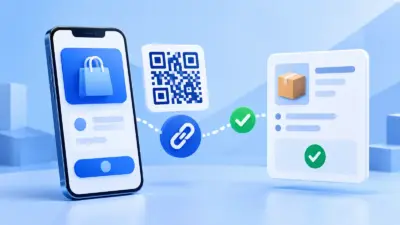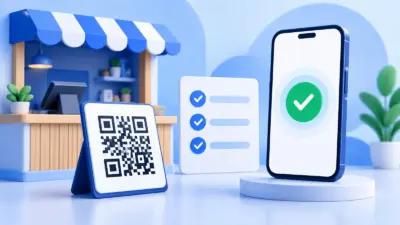
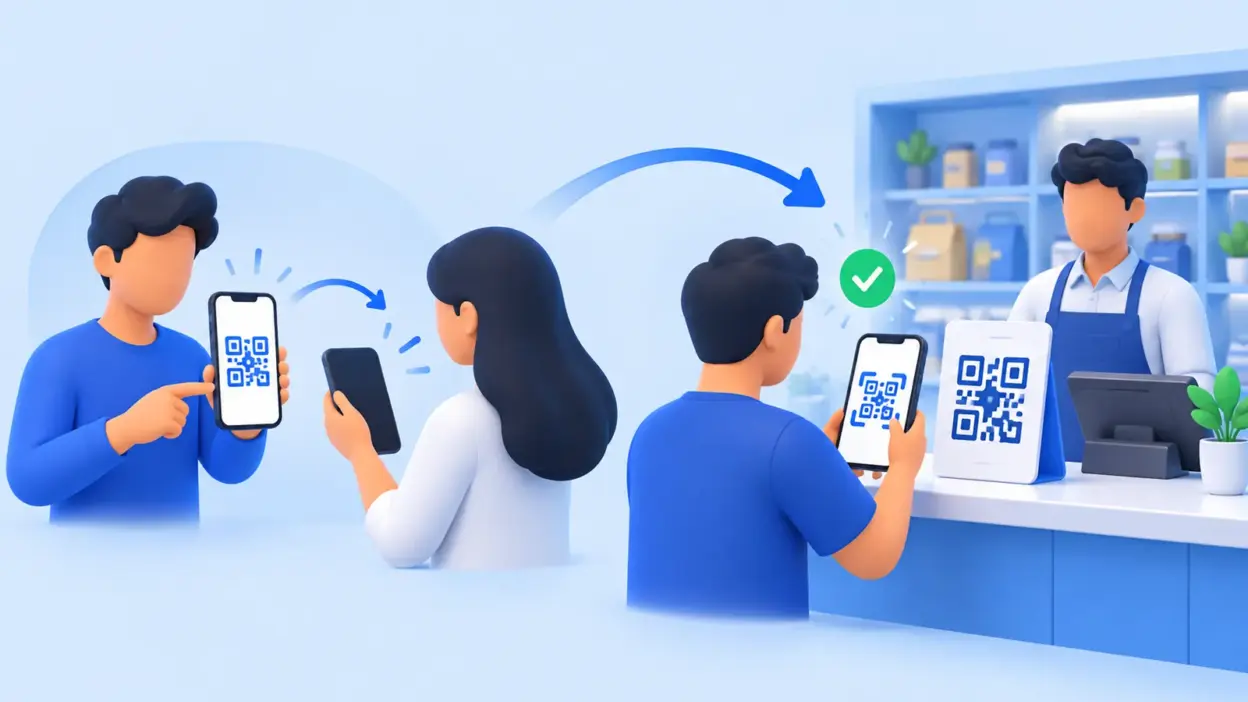
A p2p qr code sends money to a person, while a P2M QR code sends a customer’s UPI payment to a registered merchant. If you sell products or services, use a merchant account and P2M QR for business collections, then add a verification layer when you need orders to be marked paid automatically.
| Point | P2P QR code | P2M QR code |
|---|---|---|
| Meaning | Person to person | Person to merchant |
| Typical receiver | An individual | A registered business or merchant |
| QR details | Personal payee details | Merchant details, often including merchant classification |
| Best use | Sending money to a friend or receiving a personal transfer | Collecting payment for a sale, service, invoice or order |
| Business workflow | Usually needs manual checking | Better suited to merchant records, reconciliation and order verification |
NPCI describes P2P as a payment from one person to another and P2M as a payment from a person to a merchant. The distinction is about the receiver and the transaction setup, not simply whether the code is printed on a plastic standee.
P2P and P2M in one line each
P2P means person to person. For example, you scan a friend’s QR code to send ₹800 for your share of dinner, or someone transfers money to your personal UPI ID.
P2M means person to merchant. A customer scans a shop’s QR code to pay for groceries, a coaching session, a repair job, an online order or a hosting renewal.
Both payments use UPI and can begin with a QR scan. The payer may see a similar scan-and-pay screen in either case, but the receiving profile and the merchant information carried by the payment are different. NPCI’s UPI ecosystem statistics uses these same P2P and P2M categories when reporting transaction activity.
The practical rule is simple: use P2P for personal transfers and P2M for money your business earns from customers. A business should not choose a personal QR just because it looks convenient or because the two codes appear similar.
How to tell which QR you have
The printed design alone is not a reliable test. A plain black-and-white QR can be personal or merchant, and a branded standee does not by itself change the payment type. Check the payment details that appear after scanning, and confirm the account with the provider that issued the QR.
Use this check before displaying a code at a counter or adding it to an invoice:
- Scan without paying. Open your UPI app and scan the QR. Stop before entering your UPI PIN.
- Read the payee name. Confirm that the displayed name is the person or business you intended to pay. A familiar-looking QR is not enough.
- Check the amount behaviour. With a static QR, the payer commonly enters the amount. A dynamic QR can carry an order amount and a reference so that the payment is tied to a particular transaction.
- Look for merchant context. The provider’s merchant dashboard, settlement view, or onboarding details should identify the receiver as a business or merchant. Do not infer this only from a logo or colour.
- Ask the issuing provider if unclear. The bank or acquiring provider that created the QR can confirm whether it is an individual or merchant QR.
NPCI’s merchant QR guidance distinguishes a merchant QR from an individual QR using merchant information such as the merchant category code. It also describes transaction references as useful for reconciliation and says that required values in a dynamic QR should not be editable. Read the NPCI merchant-ecosystem circular for the technical details.
Do not enter your UPI PIN merely to inspect a QR. If the name shown in the payment screen is wrong, close the screen and obtain a fresh code from the intended receiver.
Why a business should use a merchant P2M QR
A business payment is more than money arriving in an account. You also need to know which customer, invoice or order it belongs to, and you need a repeatable way to confirm that it was actually received.
Clearer business identity
A merchant setup gives the customer a payment destination associated with the business rather than an unrelated personal profile. This makes the payee name easier to check at checkout and reduces confusion when several people handle collections.
Better records for daily reconciliation
Merchant payment details and transaction references can make it easier to compare UPI credits with invoices or orders. For a shop, that might mean matching the day’s collections with counter sales. For a freelancer, it can mean checking an invoice number against the payment reference before sending the final deliverable.
A better fit for multiple payment channels
You may collect at a counter, through an invoice, from a WhatsApp conversation and from an online checkout. A merchant account provides one business destination for those collections, while your internal order system keeps the commercial record.
A safer foundation for automation
An application cannot reliably mark an order paid from a customer’s screenshot. It needs a payment event or a verification result tied to the right amount and order reference. A merchant P2M flow gives your verification system a clear receiving account to monitor and match.
The QR does not replace your sales records. It is the payment entry point; your invoice, order number and reconciliation process still need to be maintained.
Getting a merchant account for your business
Start with a merchant onboarding service offered by a bank or UPI provider. For PaymentSetu users, the merchant accounts that can be connected today are Paytm Business and PhonePe Business.
The exact onboarding checks, account type and settlement arrangement are set by the provider. Keep the business name and receiving account details consistent across your invoices, checkout and customer-facing QR. After the account is active, obtain the merchant QR from that provider instead of converting a personal QR into a business collection method.
For a small counter, a static P2M QR may be enough when the staff confirms each amount. For online orders or invoices, a dynamic QR is more useful because the amount and transaction reference can be associated with the order. Choose the flow based on how much manual checking your team can handle.
Adding automatic order verification
A merchant QR answers where the customer paid. Verification answers whether this particular order was paid.
PaymentSetu is a payment verification service, not a payment gateway. The customer pays directly into your own Paytm Business or PhonePe Business merchant account. PaymentSetu matches the payment details to the dynamic QR or order and sends a webhook to your application; it does not hold the money.
The basic flow looks like this:
- Your store or billing system creates an order with a unique order reference and amount.
- The system creates or displays a dynamic QR for that order.
- The customer scans it and pays from a UPI app.
- The payment reaches your connected merchant account.
- PaymentSetu checks the amount and UTR against the order.
- Your application receives the verification result through a webhook and updates the order.
For a WooCommerce store, the PaymentSetu WooCommerce plugin handles the checkout integration without custom API work. A hosting company can use the WHMCS module so verified UPI payments update invoices automatically. A custom application can use the API and HMAC-signed webhooks described in the site’s integration documentation.
This approach keeps the roles separate: your merchant account receives the customer’s money, your order system records the sale, and the verification service matches the payment to the correct order.
What PaymentSetu adds after you choose P2M
If you only need to print a QR for occasional counter payments, a merchant provider’s own QR may be all you need. If you have online orders, invoices or recurring operational work, automatic matching can remove a large amount of manual checking.
PaymentSetu plans use credits for successful payments verified. The Starter plan is ₹399 per 30 days for 100 credits. It includes dynamic QR, webhook and REST API access, a unified dashboard and real-time notifications, with 0% commission on payments. The customer’s payment still goes directly to your own merchant account.

The right plan depends on verified payment volume, not on whether your QR is static or dynamic:
| Plan | Price | Credits | A practical fit |
|---|---|---|---|
| Starter | ₹399 per 30 days | 100 | Small shops, freelancers and new online stores |
| Pro | ₹999 per 30 days | 1,000 | Growing WooCommerce, WHMCS and service businesses |
| Business | ₹1,499 per 30 days | 100,000 | High-volume, SaaS and multi-branch businesses |
The PaymentSetu pricing page has the current plan details. You can create an account when you are ready to connect your merchant account and set up verification.
Common mistakes with P2P and P2M QR codes
Treating the QR artwork as proof
Colours, logos and printed stands can be copied or replaced. Always scan and read the payee name before paying, and keep the original QR in a controlled location.
Using a personal QR for regular sales
A personal QR is designed for person-to-person transfers. It does not give your order system a merchant workflow. Move regular customer collections to a merchant account and use a P2M QR issued for that business.
Calling a payment successful from a screenshot
A screenshot is not confirmation that the money reached your account. Check the receiving account or use a verification result tied to the order’s amount and reference.
Mixing several receiving accounts
If your website displays one QR, invoices display another and staff share a personal UPI ID, reconciliation becomes harder. Keep customer-facing collections on the intended merchant account and document who can change the displayed QR.
Forgetting to test the complete order journey
Before publishing a QR, test the scan, payee name, amount, order reference, receiving account and order-status update in a controlled payment. This catches configuration issues before a customer tries to pay.
FAQ
What is a P2P QR code?
A P2P QR code is a QR used for a person-to-person UPI transfer. It points to an individual payment address or account rather than a merchant collection profile, so it is intended for personal transfers.
What does P2M mean in UPI?
P2M means person to merchant: a customer pays a business for goods or services. A P2M QR is issued as part of a merchant setup and carries merchant payment information used by the UPI ecosystem.
Can I use a personal UPI QR for my shop?
You may be able to receive a payment technically, but a personal QR is not the right foundation for regular business collections. Use a merchant account and P2M QR so your payment destination, business records and verification workflow match the purpose of the payment.
Is a static QR the same as a P2P QR code?
No. P2P versus P2M describes who is paying whom; static versus dynamic describes how much payment information the QR carries. A QR can be static and merchant-issued, or a personal QR can also be static.
Can PaymentSetu verify payments made to a P2M QR?
Yes. PaymentSetu is designed to match payments made to your connected Paytm Business or PhonePe Business merchant account with a dynamic QR or order. It then sends a webhook so your store or billing system can update the order after verification.
DONE p2p-vs-p2m-qr-code words=1601